
Flexible data access,
without the heavy lifting
Access prebuilt data pipelines, query your metrics via API, or bring your game data directly into the AI tools you already use. No custom engineering required.
.webp)






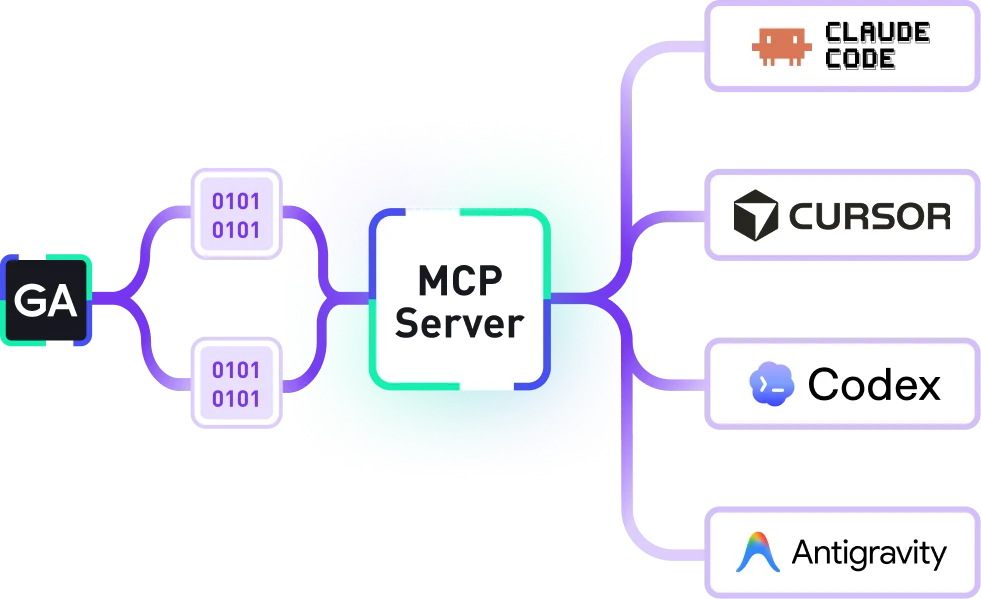

MCP Server:
Your data, in any AI tool
Connect your game data to the AI tools and workflows you already use - Cursor, Claude, Codex, and more. Query metrics, compare builds, and surface insights without leaving the tools your team works in every day.

The GameAnalytics MCP Server slots directly into our AI factory in Cursor - a chain of agents managing everything from ideas to monetization. A plug-and-play data source that validates whether each release actually moved the needle.
Read their story
We built a weekly progress report that updates automatically using Codex and the MCP Server. It compares builds, identifies improvements in the codebase and advises on what to build in the next update. This is a huge feature.
Read their storyData Warehouse:
Query-ready insights
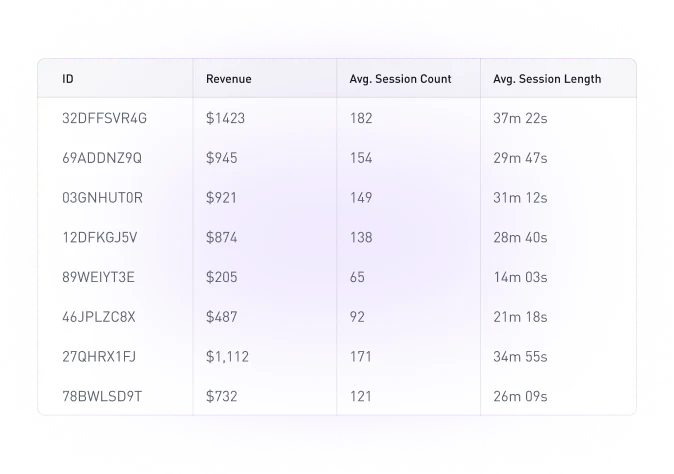
Consolidate all your gameplay data into a managed BigQuery instance. Data Warehouse gives your analysts player- and event-level data, pre-processed and refreshed daily, so they can run advanced SQL queries without engineering bottlenecks.
Data Export:
Raw data in real time
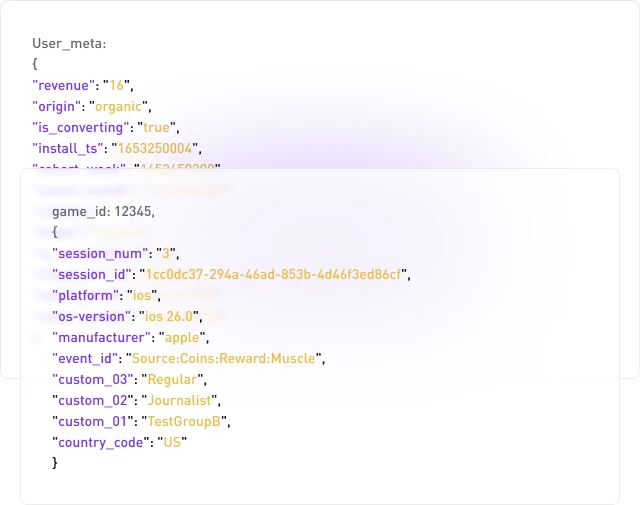
Stream every gameplay event directly into your own AWS or Google Cloud bucket. Data Export delivers JSON or Parquet files with all your custom fields intact, giving you complete control to transform, enrich, and analyze data your way.
API Access:
Data on demand
Use Metrics API to programmatically fetch KPIs, or Organization API to keep games and users up to date. Direct, flexible access to your data without any intermediary.

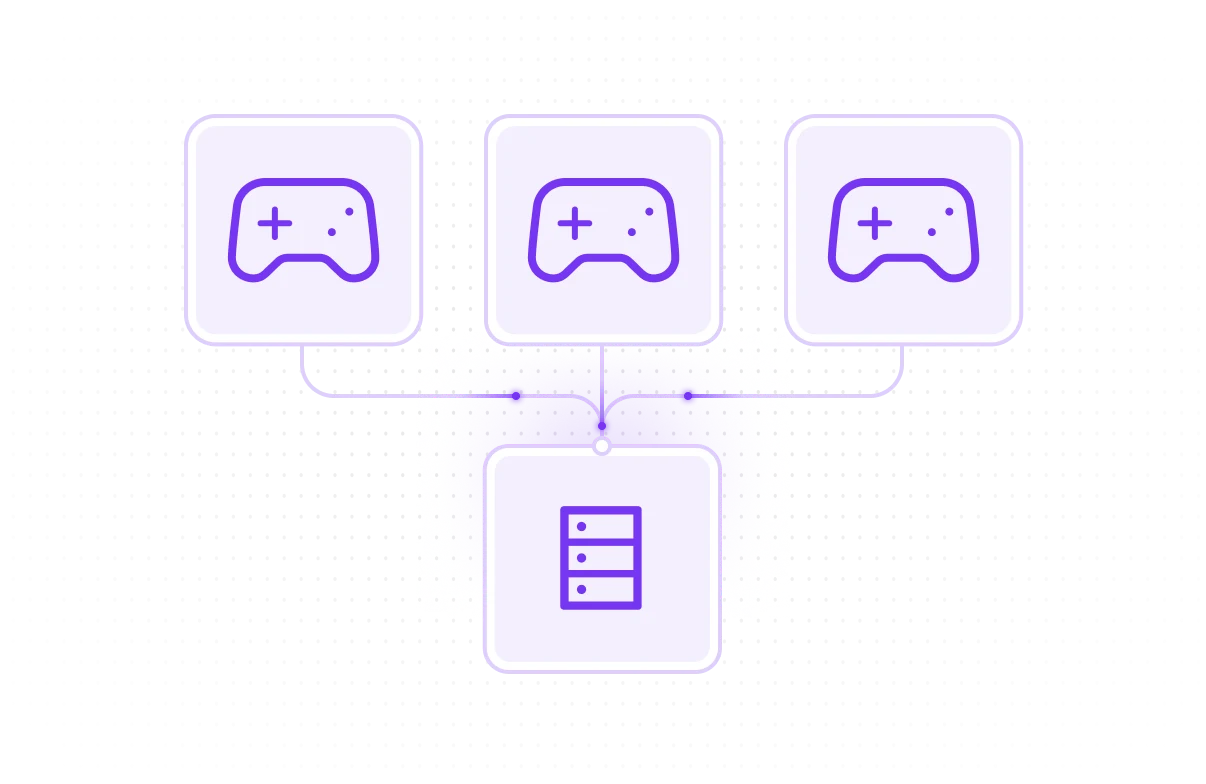
Game Data Sharing: Collaborate with partners
Securely access partner data through Data Warehouse, Data Export or Metrics API. Game Data Sharing makes it easy to query and compare KPIs across studios, enabling deeper collaboration and growth opportunities.
Why studios and publishers choose GameAnalytics
Built for games
Suitable for all games - no matter the platform. Dive into data from mobile, Roblox, web, PC and VR/AR games.
Streamlined integration
Access analytics, funnel analysis, health reporting, LiveOps capabilities and more. All from one lightweight SDK.
Data options to choose from
The choice is yours. Export your game data to BigQuery, Google Cloud Storage or an AWS bucket.
Transparent pricing
No need to calculate storage, query or other costs. Simple, predictable pricing makes forecasting much easier.
Game data pipeline: Building vs buying
As a large number of studios, publishers, and game developers are heavily relying on data to guide their decisions, they need to decide between building or buying. But which one is more efficient?
Get your free copy
Trusted worldwide by game makers
studios powered by GA
daily events processed
up-time record





.svg)


.svg)


.svg)
Let’s get your data fully connected
Plug into the BI tools, data warehouses, and AI tools your team already uses. No infrastructure headaches, no extra setup.







Frequently asked questions
What are the limits of events per user?
You have a limit of 500 events per user, per day (on average). This is typically sufficient for games across various platforms. Note that if you exceed this limit, we will still collect the events.
You’ll be notified that you’ve exceeded the limit and will be given time to address this.
Do we need to host the data ourselves?
With Data Warehouse, no. You do not need to host your data yourself - this is included in the full-package solution. You simply query what you need.
With Data Export, yes. Your data is exported to your cloud storage.
How can I set up my custom events?
See our documentation here regarding Design Events, and here regarding Custom Event Fields.
Please note that Design Events and Custom Event Fields are only stored and available to query once you become a PipelineIQ Pro customer. Data sent prior to becoming a customer will not be stored or populated in our PipelineIQ solutions.
How do you define unique users?
We measure by the count of distinct users that sent at least one event during the time period.
For example, for MAU it would be the count of users that sent at least one event during a specific month.
How long is data retained?
See our documentation regarding data retention for Data Warehouse here.
For Data Export, the data is subject to your internal data retention policies as it is hosted on your cloud storage.
Can I use the data in BI tools like Tableau?
Yes. With Data Warehouse, you can use the native connectors available in BigQuery or create a new one.
With Data Export, you can set up your pipeline with the tools of your choice.
Talk to Sales
Every studio or publisher has unique needs, and we’re committed to providing tailored solutions to meet them. To learn more and get a personalized quote, fill out the short form below.